
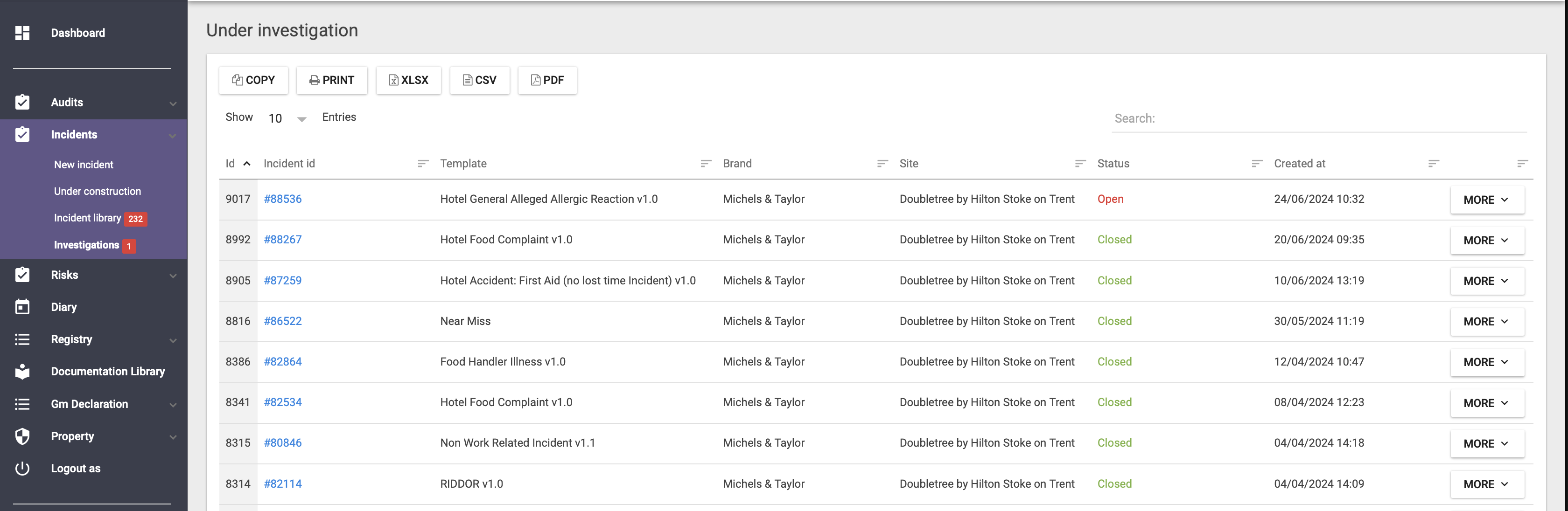
When an incident is under investigation, you can find it listed under Investigations as shown below.
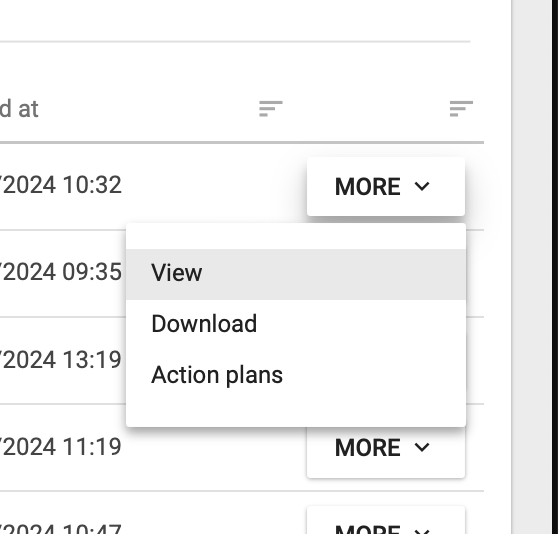
If you would like to view any pending actions you can do so by locating the action plan by selecting More > View as below:
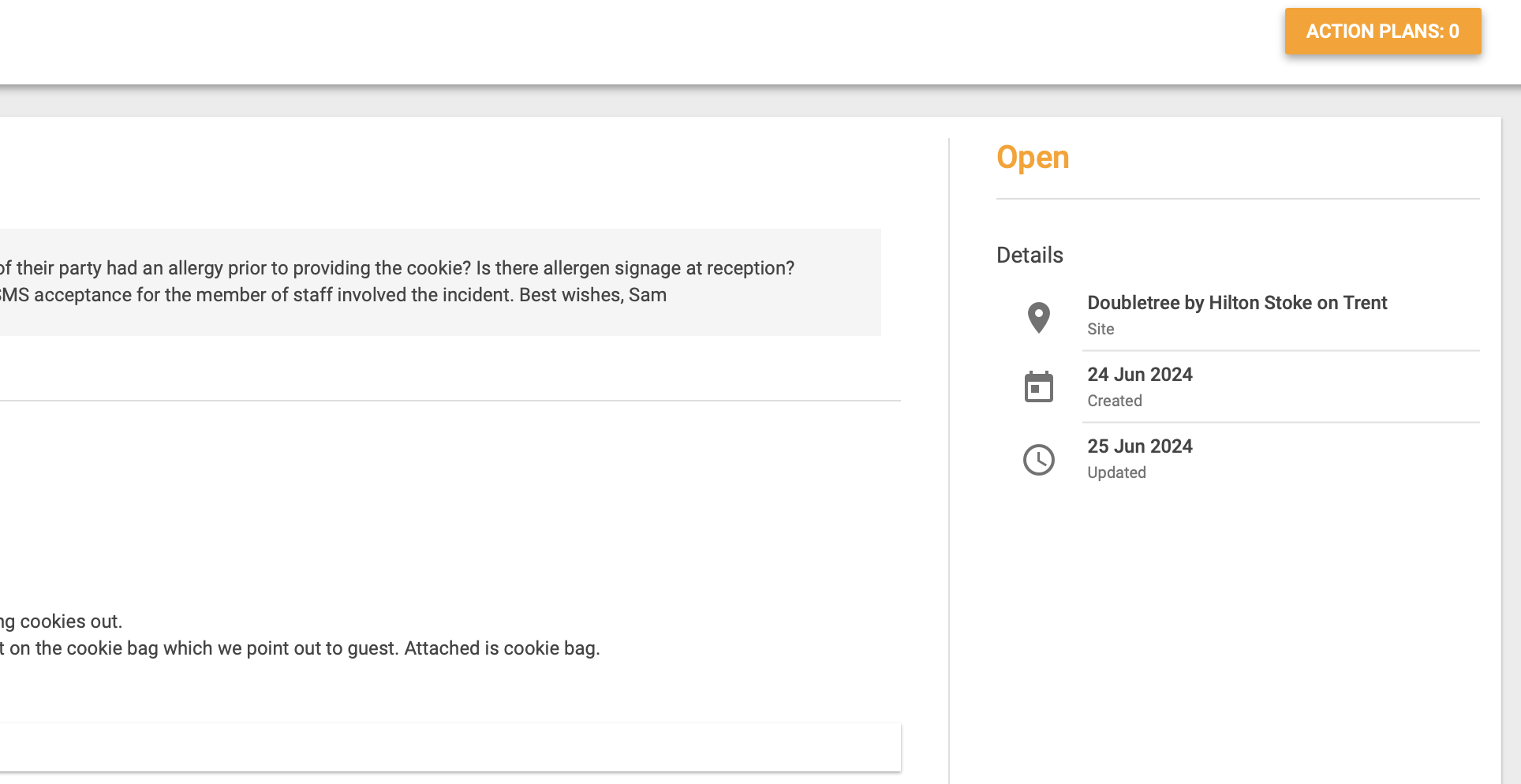
On the right side of the screen you will be able to see a button called Action plans. Once this is selected, it will lead you to any pending actions.
Additional Support:
For further assistance, reach out to supportteam@navitassafety.com
Thank you for utilizing the Navitas Compliance platform!